Return to Collections | How to Meal Plan | How to use Shopping Lists
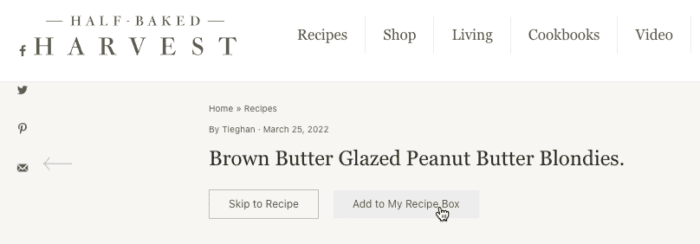
- When browsing any recipe on our site, look for the “Add to My Recipe Box” link at the top of the page or the “Save Recipe” button on the recipe card.
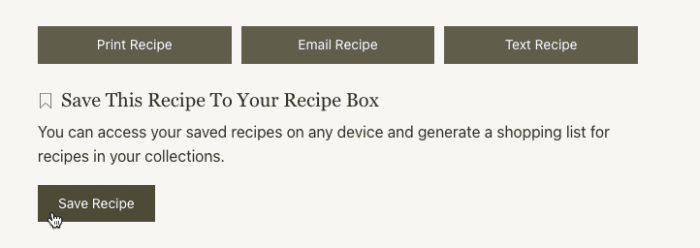
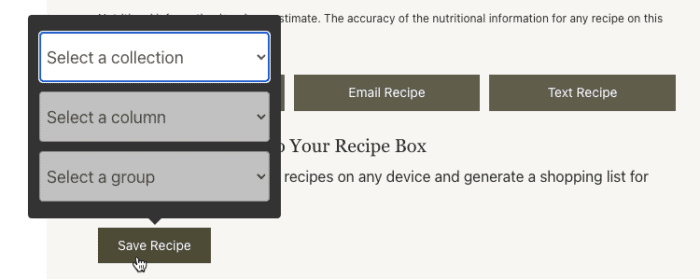
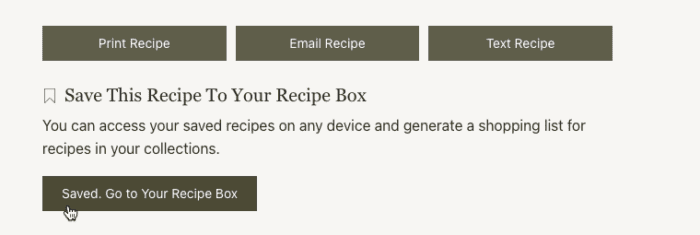
2. After clicking “Save Recipe” you’ll be prompted to select a collection, with “My First Recipe Collection” available as the default. After confirming which collection, you’ll see the prompt “Saved. Go to Collections.” This will take you to your saved recipes, or you can access them anytime by going to the My Recipe Box & Meal Plans page.
3. Once you navigate to the Saved Recipes & Meal Plans page, you can view all of your saved recipes by clicking “My First Recipe Collection”
4. To view a recipe from your collection, simply click the recipe title or image.
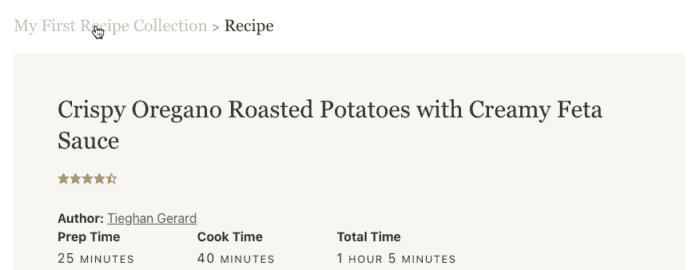
5. After clicking the recipe, you’ll be shown the recipe card. You can return to your saved recipes anytime by clicking “My First Recipe Collection”
Update Serving Size
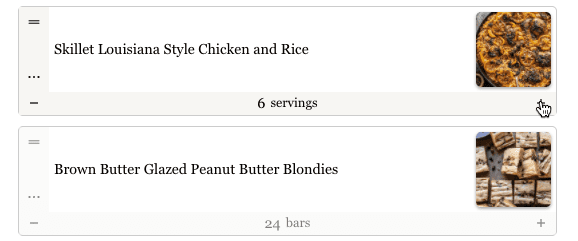
To customize your serving size, use the plus and minus icons below the recipe to adjust how many people the recipe will serve.
Remove a Recipe
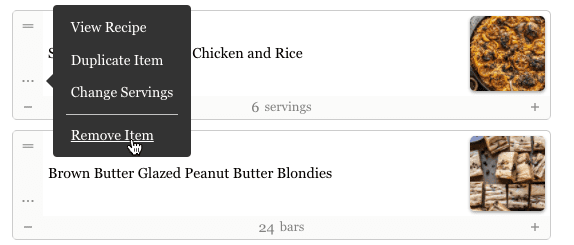
To remove a recipe from your Saved Recipes, once inside your collection click the three dots menu next to the recipe and select “Remove Item”